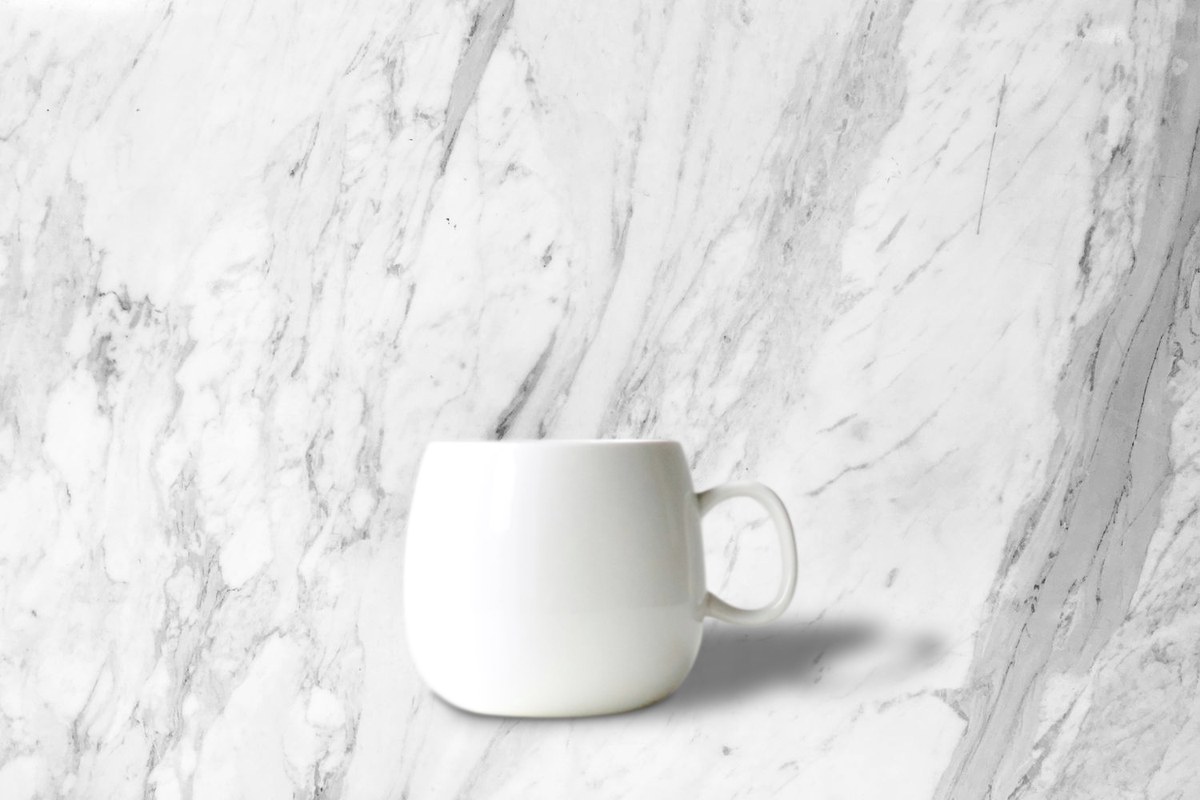
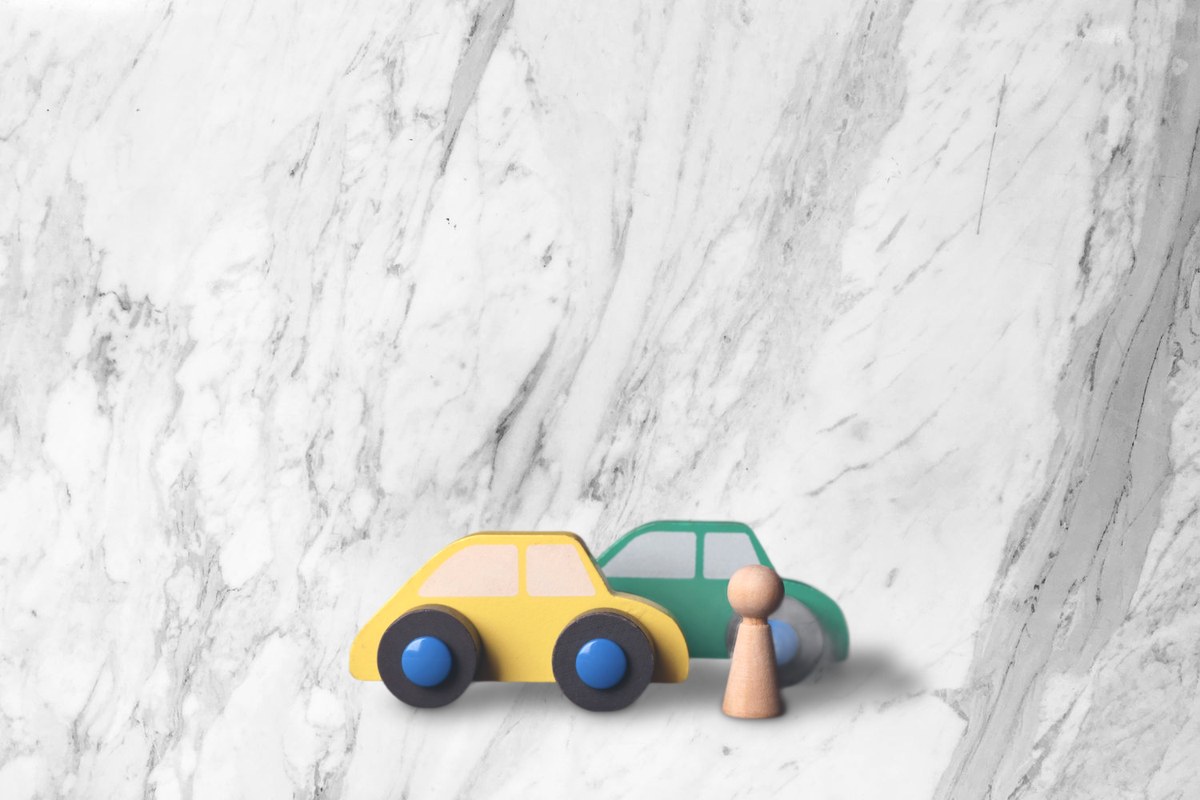
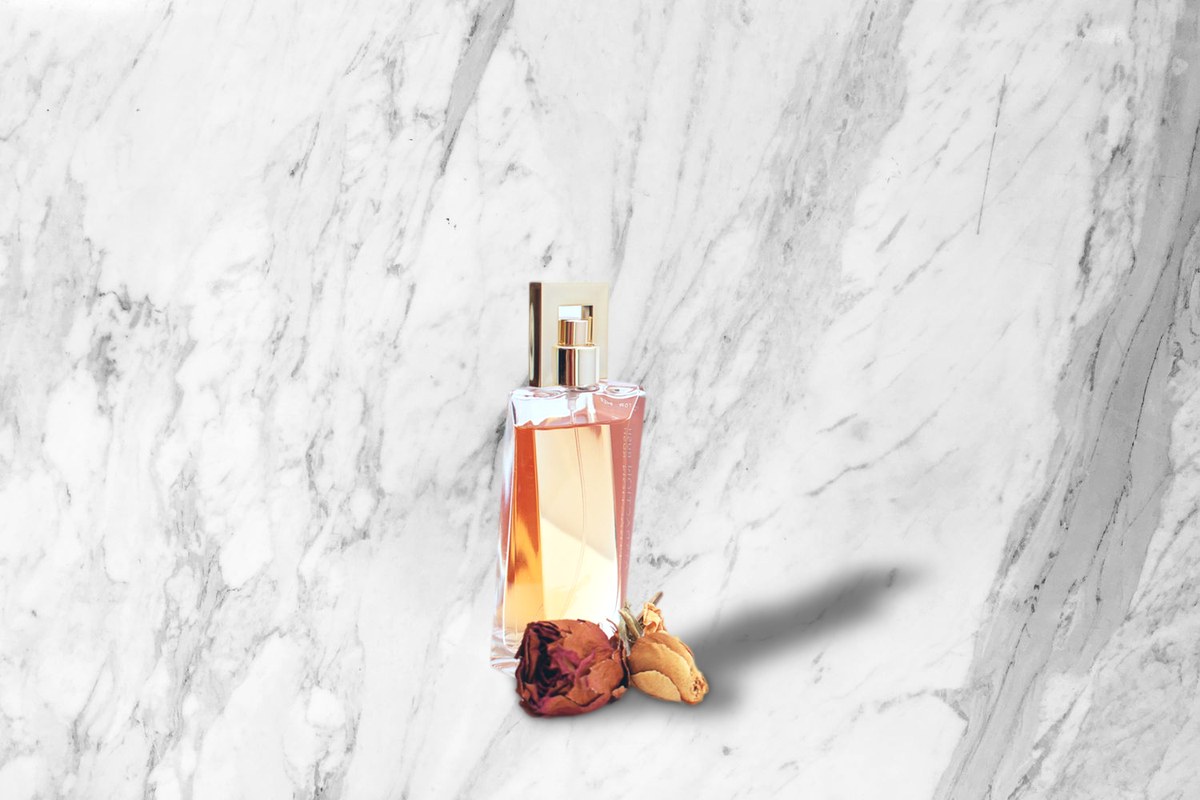
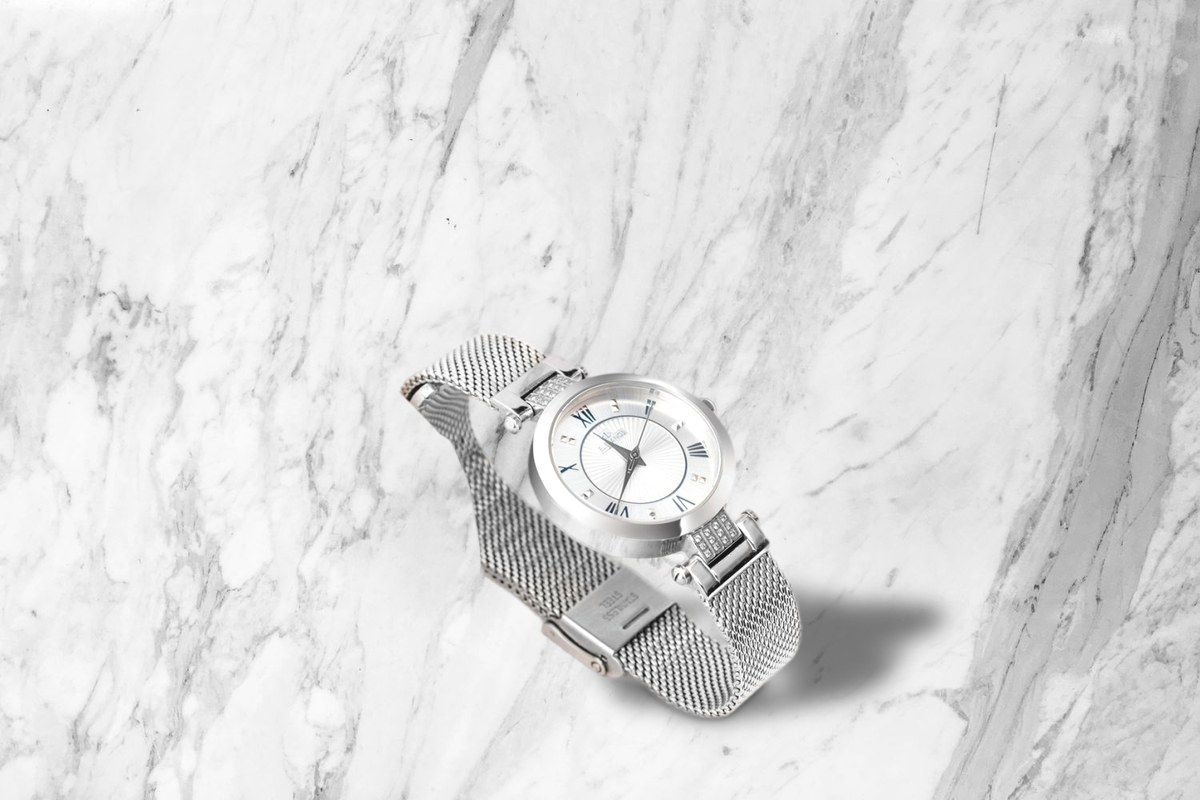
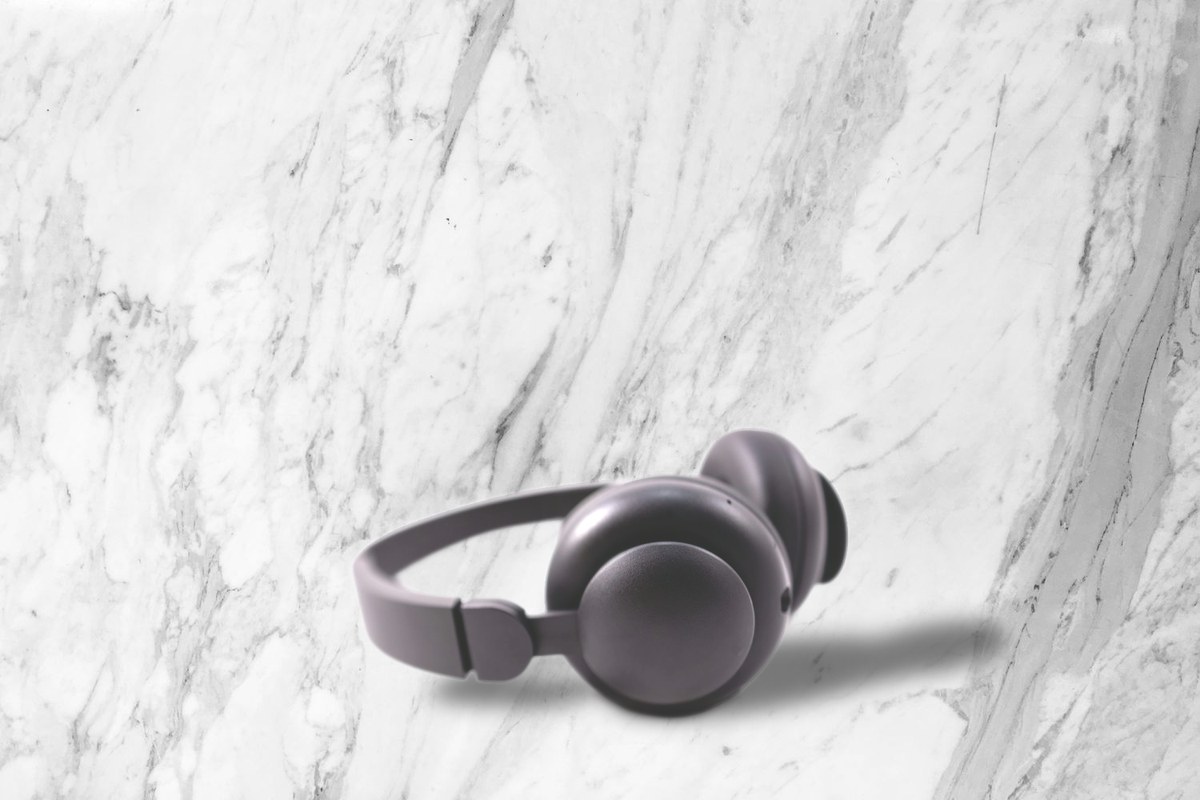
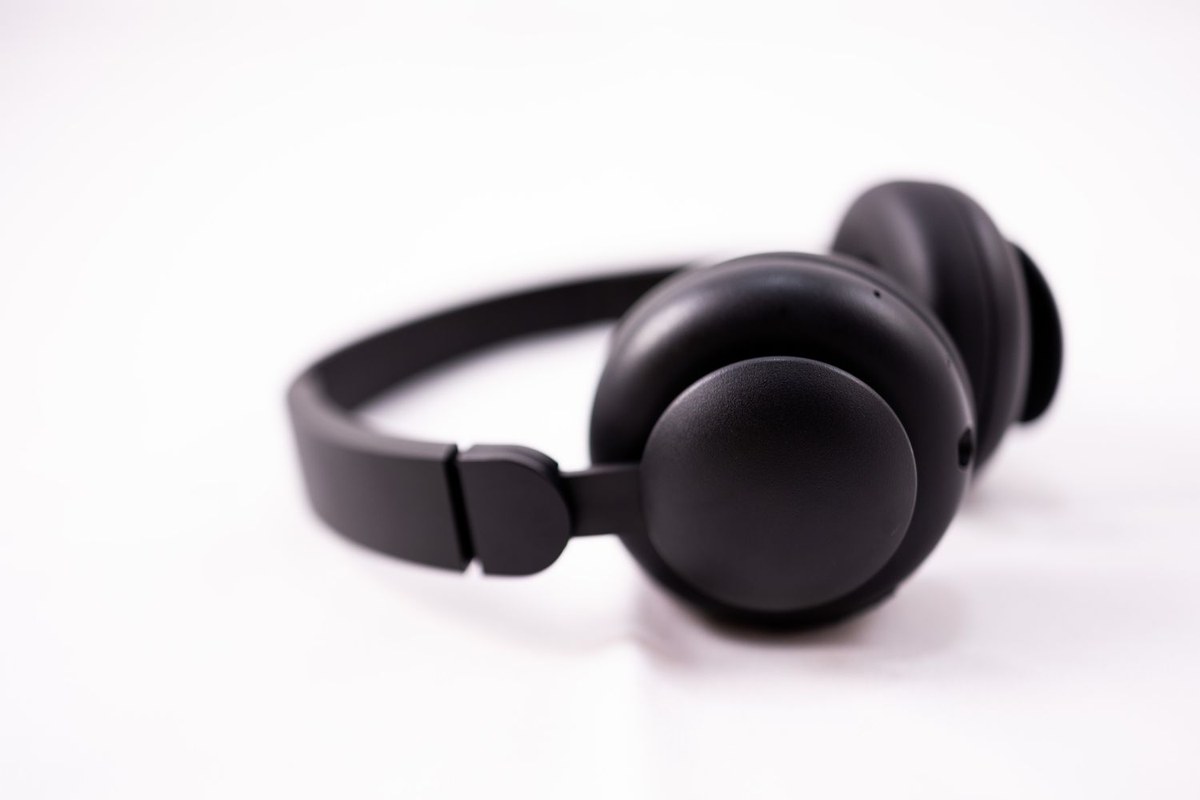
SceneLock puts your whole catalog on one background, with a matching shadow, inside Photoshop. It runs on your computer. You pay once.
Windows · Photoshop · Early access, live now
BEFOREAFTER
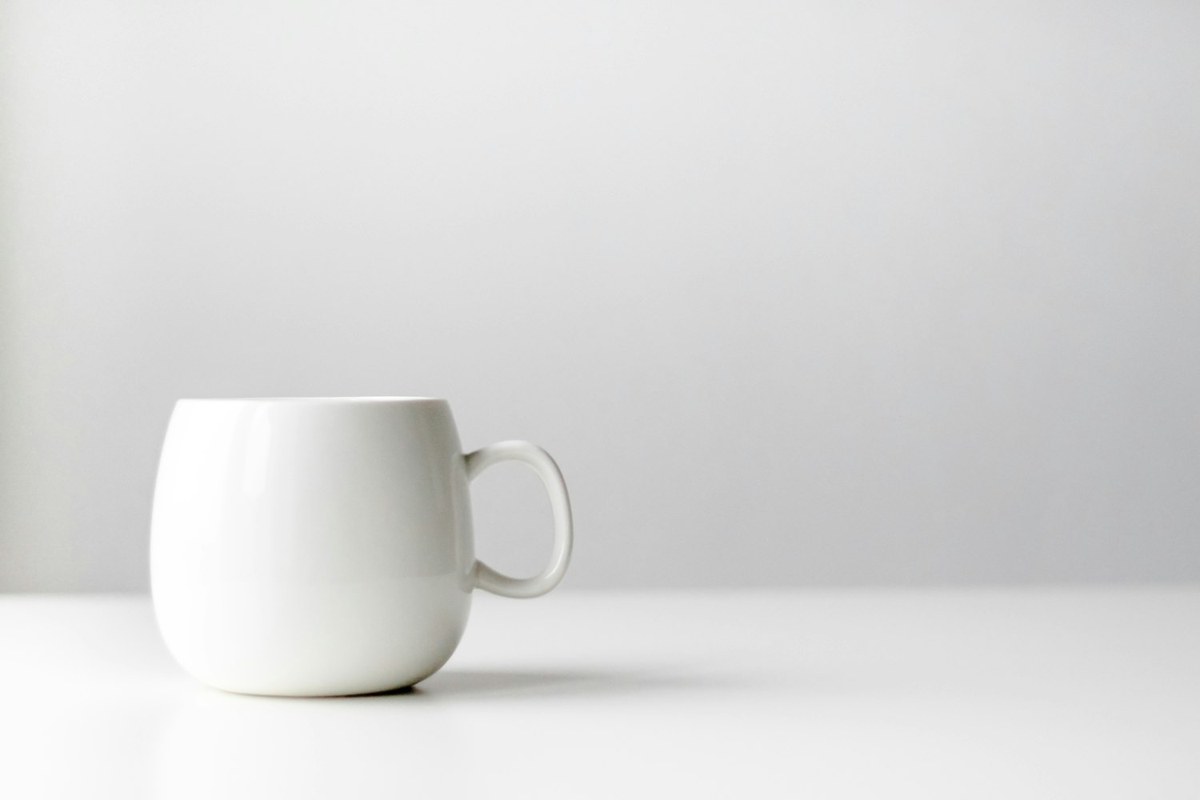
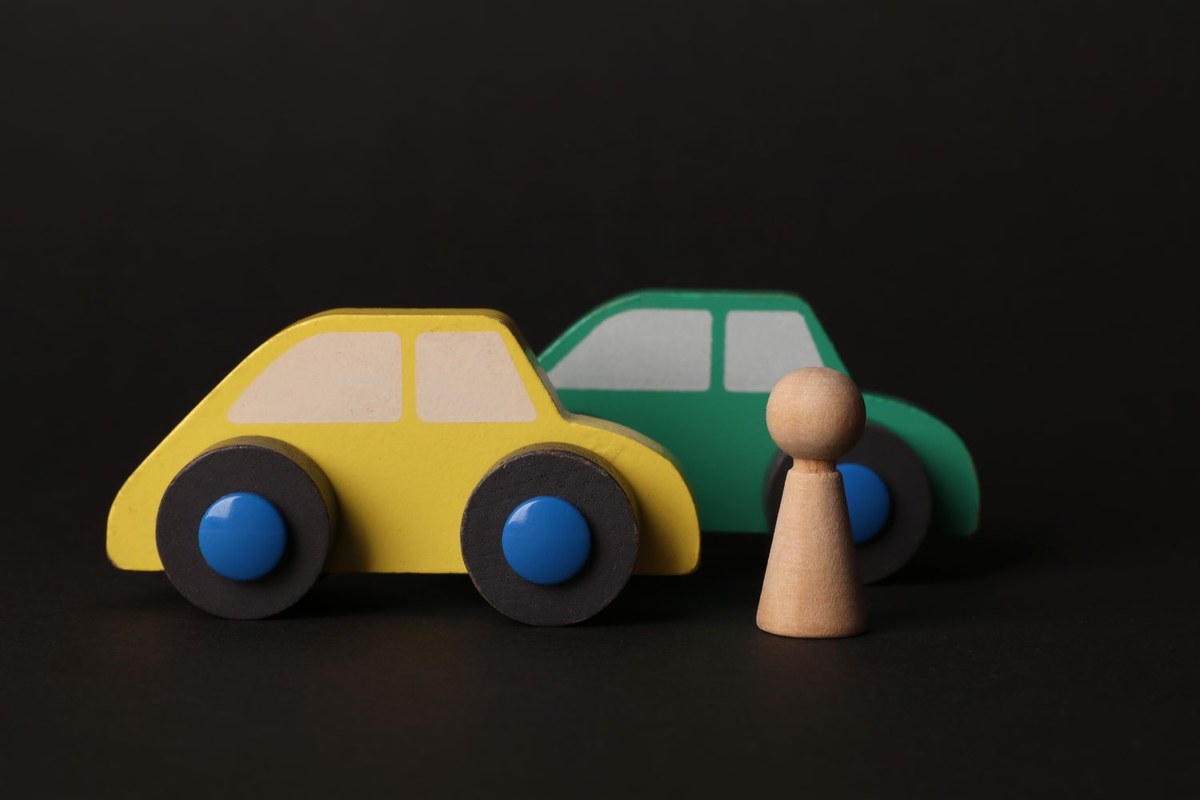
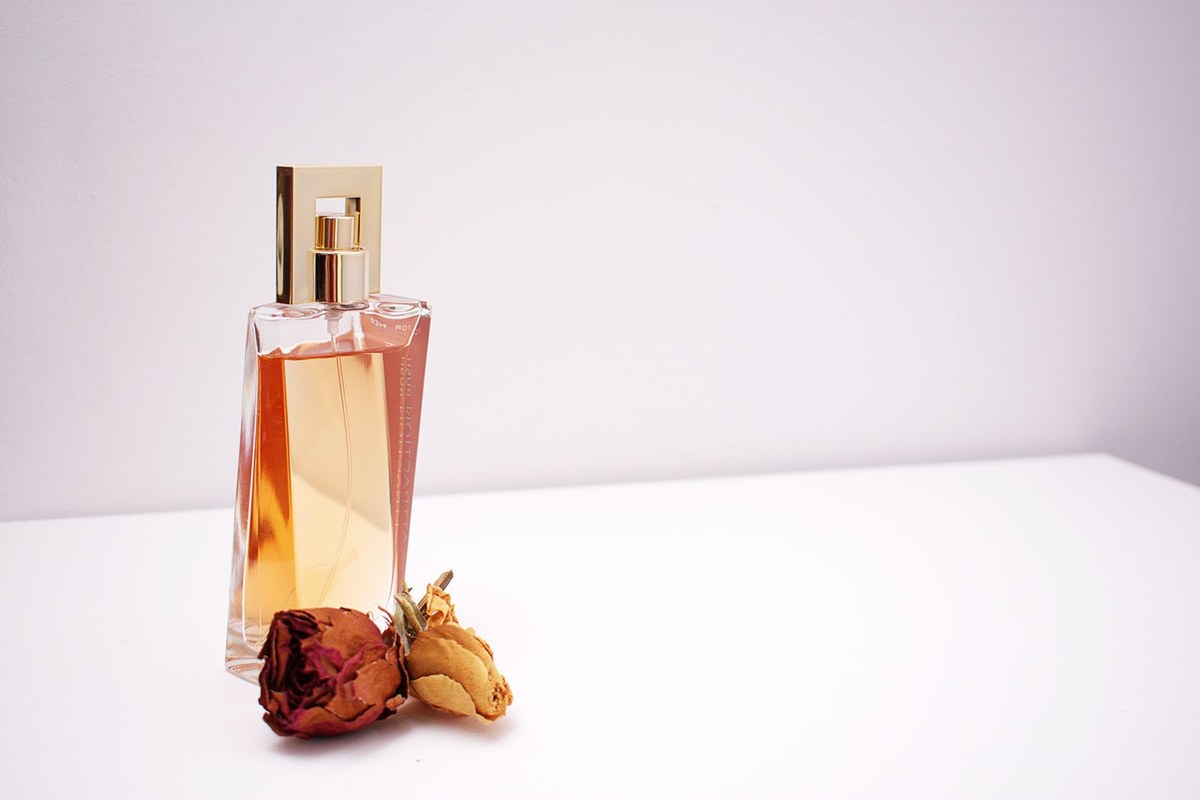
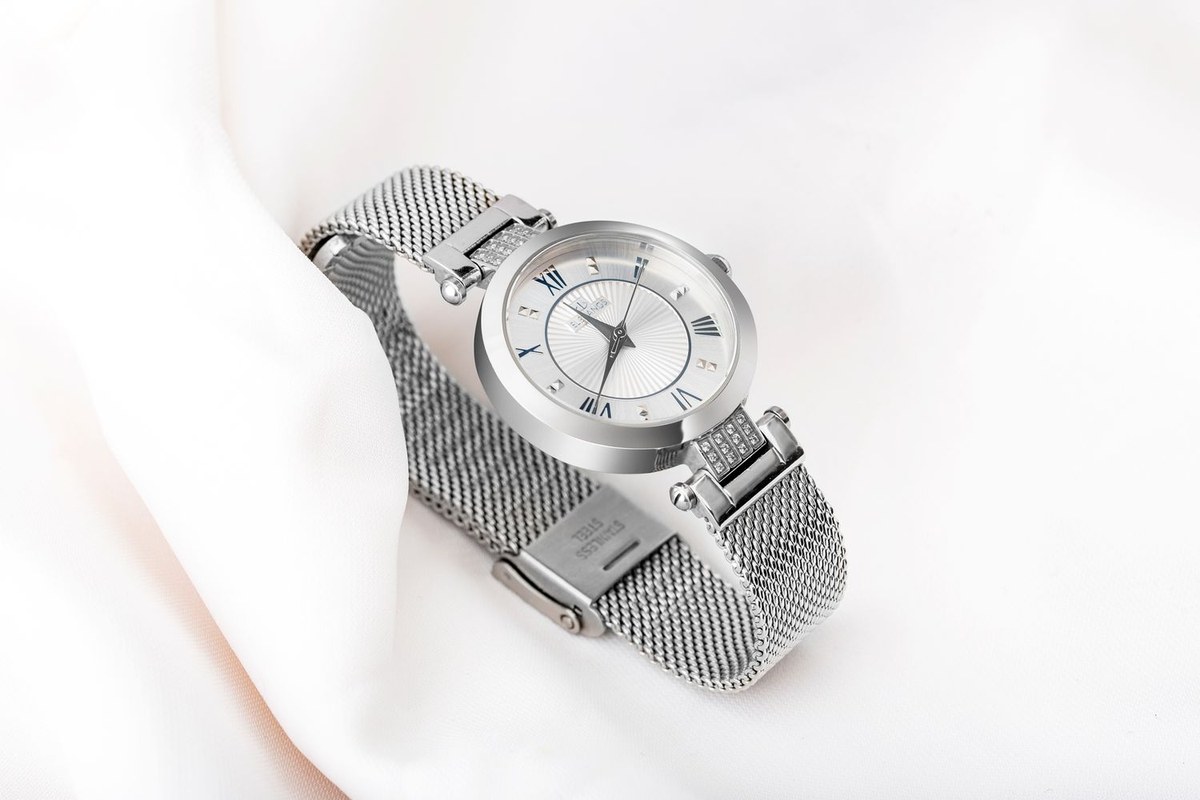
Drag each one. These are original photos and unedited SceneLock results, on one fixed scene.

BEFOREAFTER
BEFOREAFTER
BEFOREAFTER
BEFOREAFTERA table, marble, wood, a studio backdrop. Your image. SceneLock never alters it.
JPG, PNG, HEIC, WEBP, TIFF or PSD. As many photos as you have.
Each photo is cut out, placed and shadowed. You check the results as thumbnails.
Photos with an unclear outline, or a product cut off by the frame, are flagged with a plain reason.
Glass, Floating and Best cutout, then Redo. No re-running the whole batch.
Every PSD has Scene, Shadow and Product layers. The product has a layer mask. Paint it to fix any edge.
Failed photos are listed with the reason. The rest carry on.
Windows 10 or 11 only for now. There is no Mac version yet.
Photoshop 2023 or newer. Built and tested on Photoshop 2026. 8 GB of RAM or more.
It works best on products photographed on a plain background. Cluttered photos may need a quick mask touch-up.
Download SceneLock, pick a scene and up to 3 of your own product photos, and see the real result before you pay anything.
Nothing is uploaded to try it. The trial runs on your computer, same as everything else.
No. SceneLock runs on your computer. The only thing checked online is your license key, once, when you activate.
No. A local model finds the outline of your product. Nothing is generated or redrawn: your product and your scene stay exactly as photographed. The shadow is calculated, not invented.
Not yet. Email us and tell us you need it.
$39, one-time payment, with a 30-day money-back guarantee.
Products on a plain, evenly lit background. Photos where the product is cut off by the edge of the picture are flagged for review.
Try the Glass, Floating or Best cutout buttons and Redo, or paint the mask in the PSD. If it still isn't right, ask for your money back.